Back to Toolbox
ForgeGUI Studio

ForgeGUI AI game thumbnail generator

Design game thumbnail images for Roblox, UEFN, Steam and mobile with a clear subject, readable composition and your chosen style. Choose your settings, review the credit cost, and create an export for your workflow.

Clear deliverables · Review before publishing

Create with Thumbnail Creator

AI Model

Prompt

0/5000

Aspect ratio

Resolution

Output format

Public Visibility

Current 40 credits · Member from 20 credits

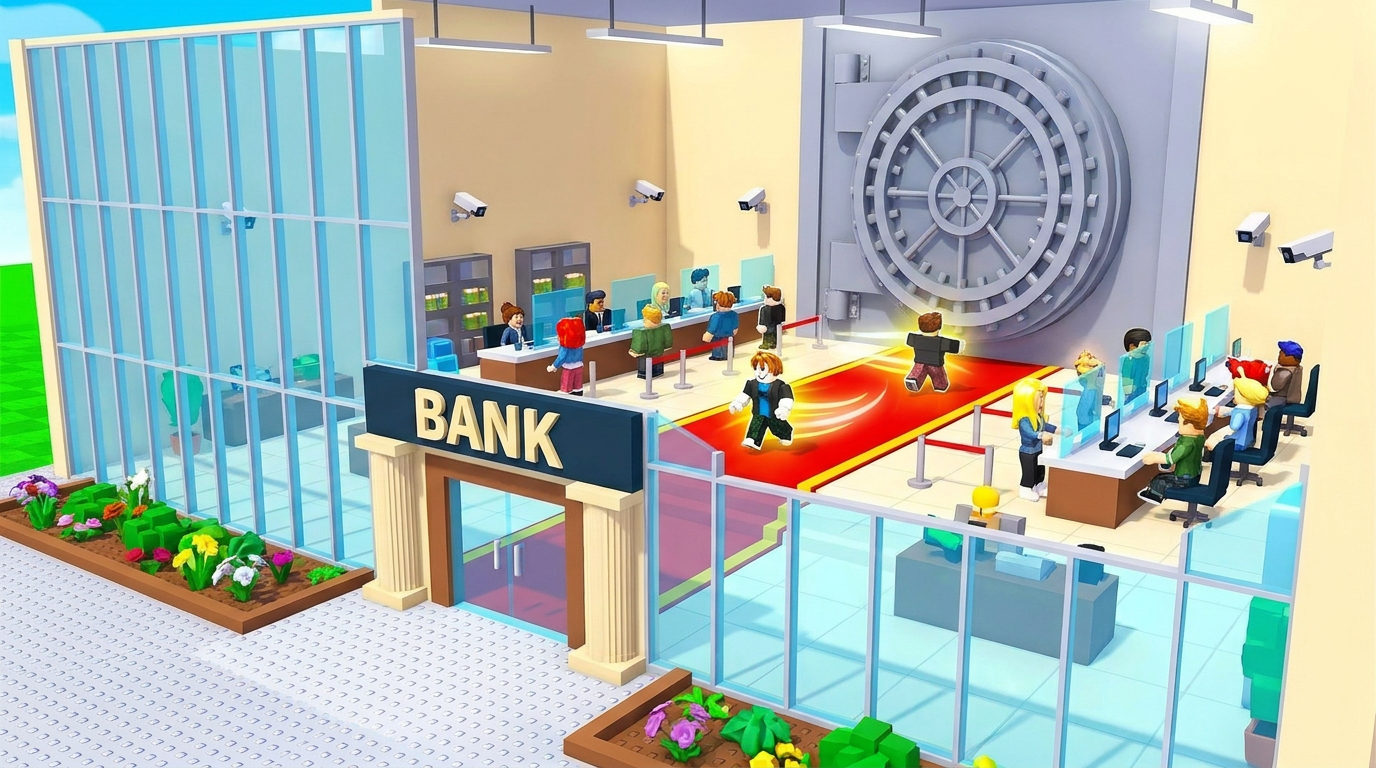
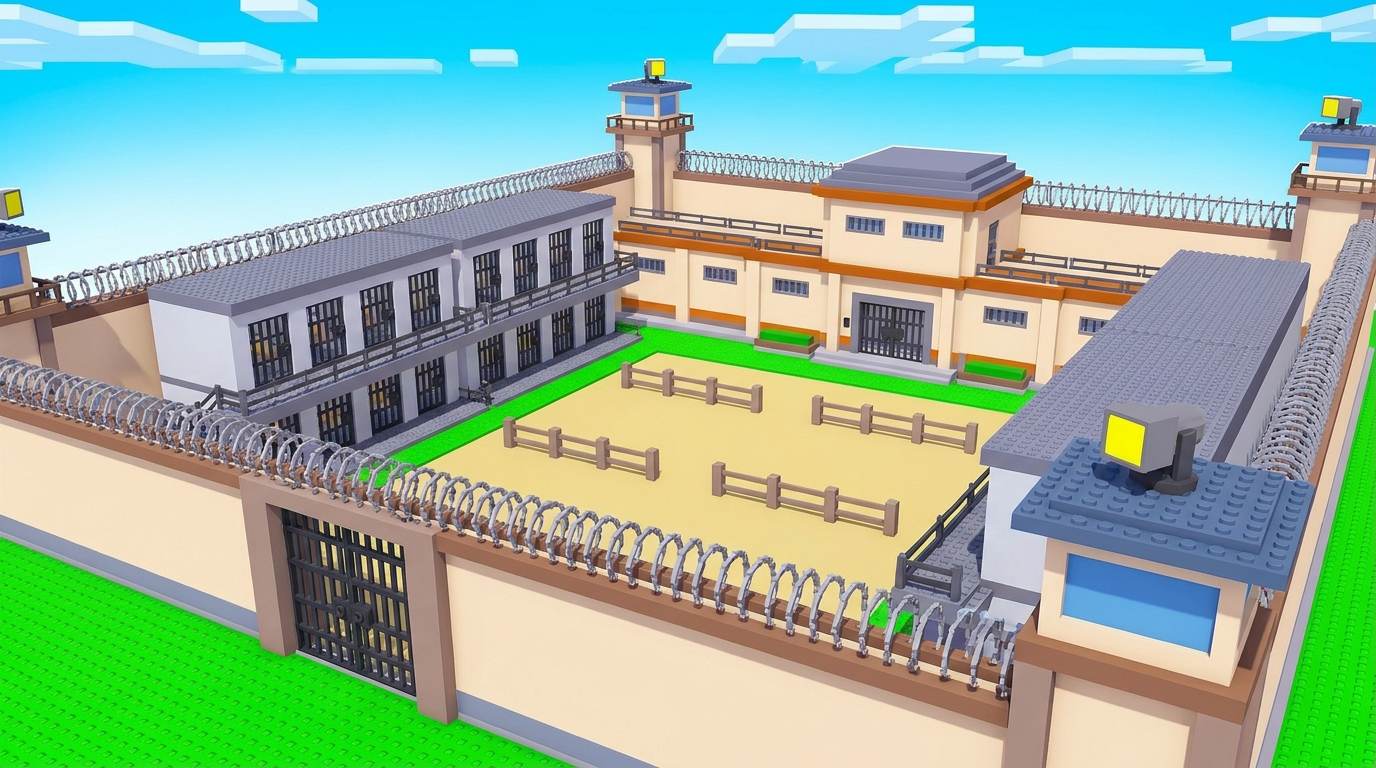
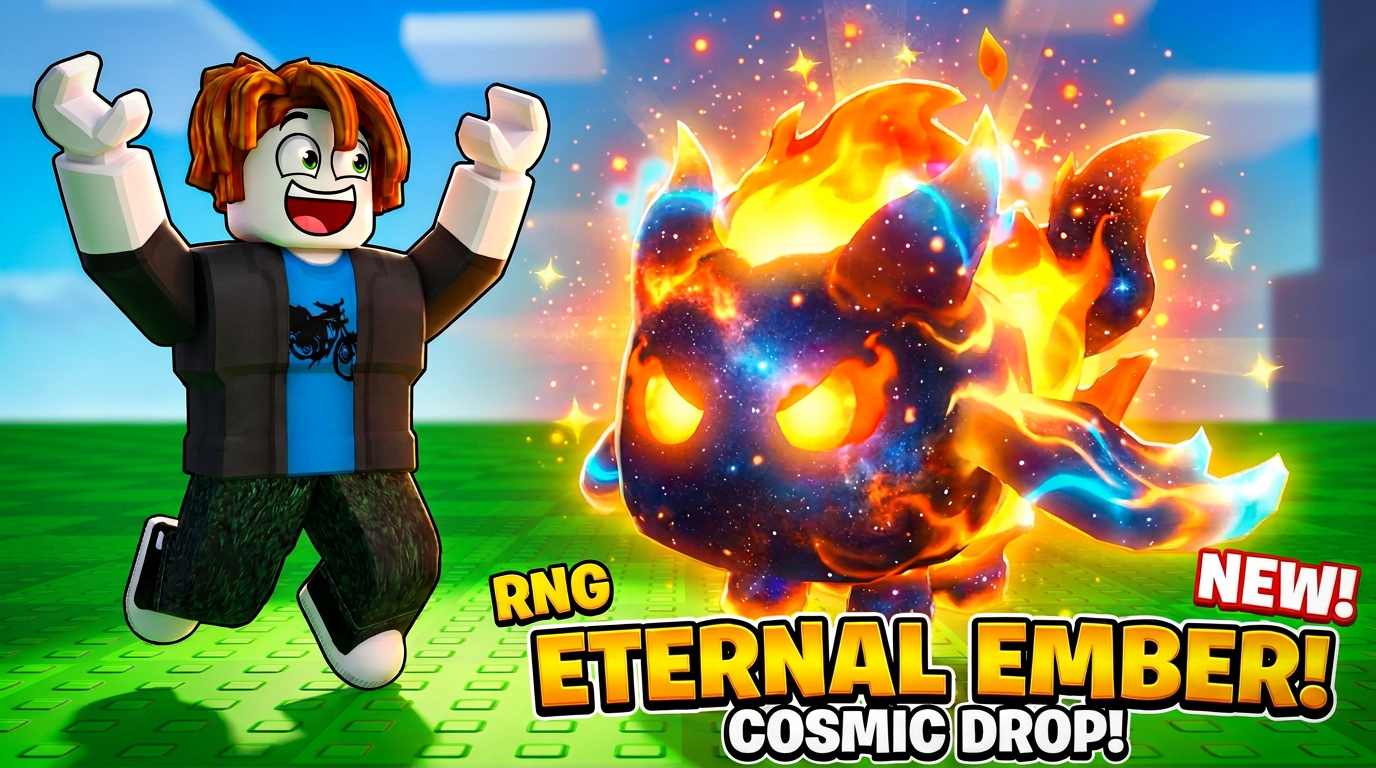
Reference artwork with suggested prompts. Results vary by model; these are not guaranteed reproductions.

Bank tycoon environment
Prison map concept
Cosmic fire pet thumbnail

Know your deliverable

What you get from ForgeGUI Thumbnail Creator

A downloadable image for game discovery pages and promotional art. Set the aspect ratio in the generator and check your platform’s current upload requirements.

A brief to start with

A cinematic thumbnail for a lava escape game, one heroic explorer leaping toward the camera, orange lava against blue stone, one clear focal point, room for a short title, no text.

Check before you ship

  1. 1View the image at a small discovery-card size.
  2. 2Keep the main character clear of title and interface overlays.
  3. 3Compare composition variants against the same brief; clicks are not guaranteed.
Read the ForgeGUI prompt guide →

How do I make a readable Roblox thumbnail with ForgeGUI?

Describe the game’s main action, one focal subject and a contrasting background. Leave space for manually edited title text. Check readability on mobile and only show gameplay or features your game actually offers.

Continue your game-asset workflow

Compare ForgeGUI plans and credits before paying. Generation quality varies by brief and model.