Back to Toolbox
ForgeGUI Studio

ForgeGUI AI game GUI generator

Design visual concepts for game HUDs, menus, inventories and buttons, then build the interactive interface in your engine. Choose your settings, review the credit cost, and create an export for your workflow.

Clear deliverables · Review before publishing

Create with GUI Creator

AI Model

Prompt

0/5000

Aspect ratio

Resolution

Output format

Public Visibility

Current 40 credits · Member from 20 credits

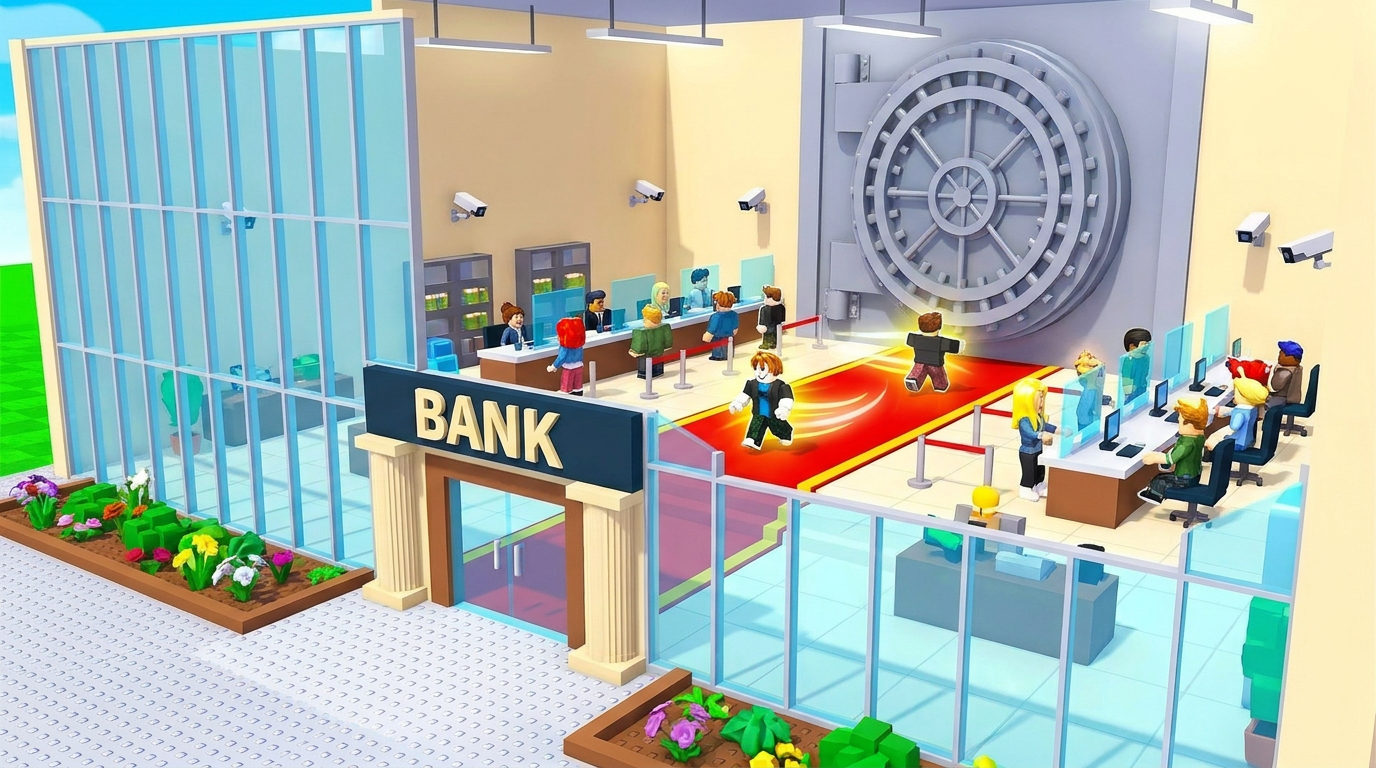
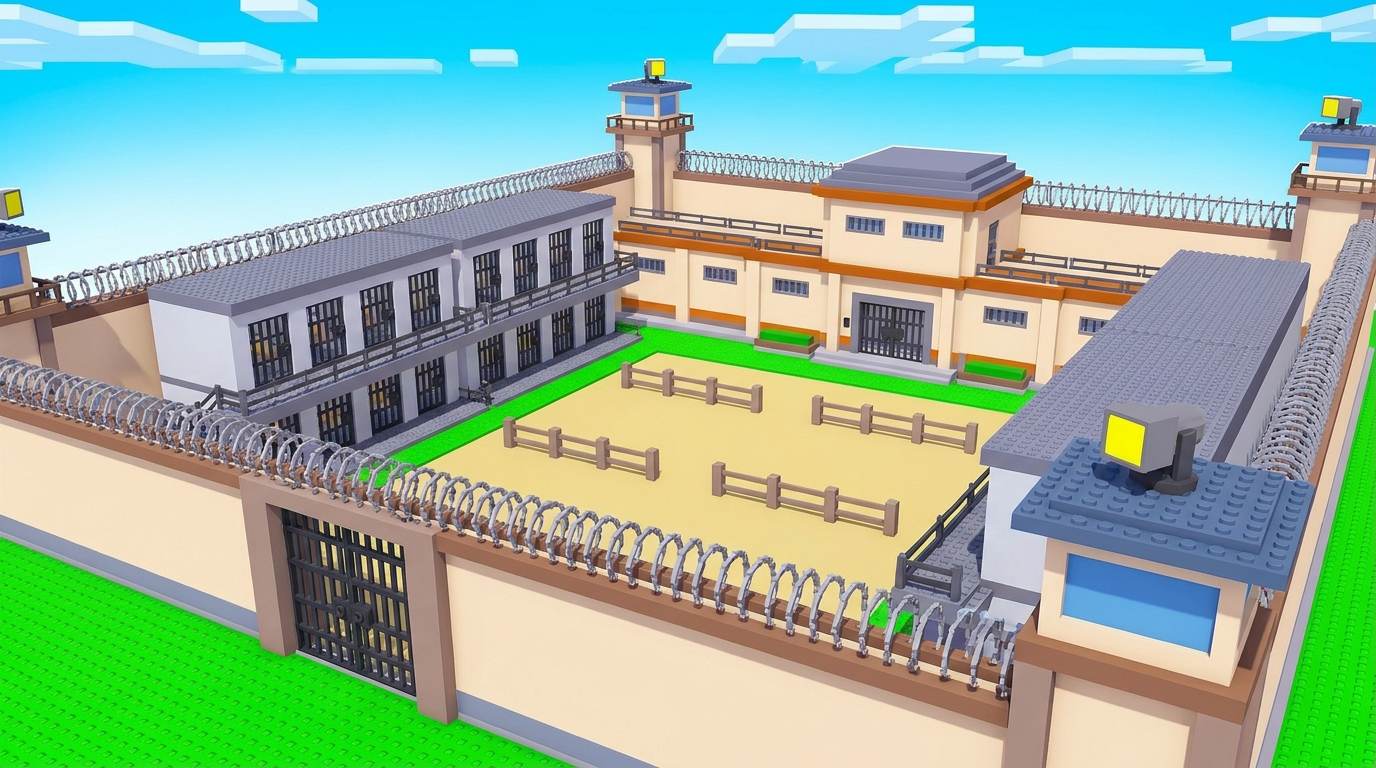
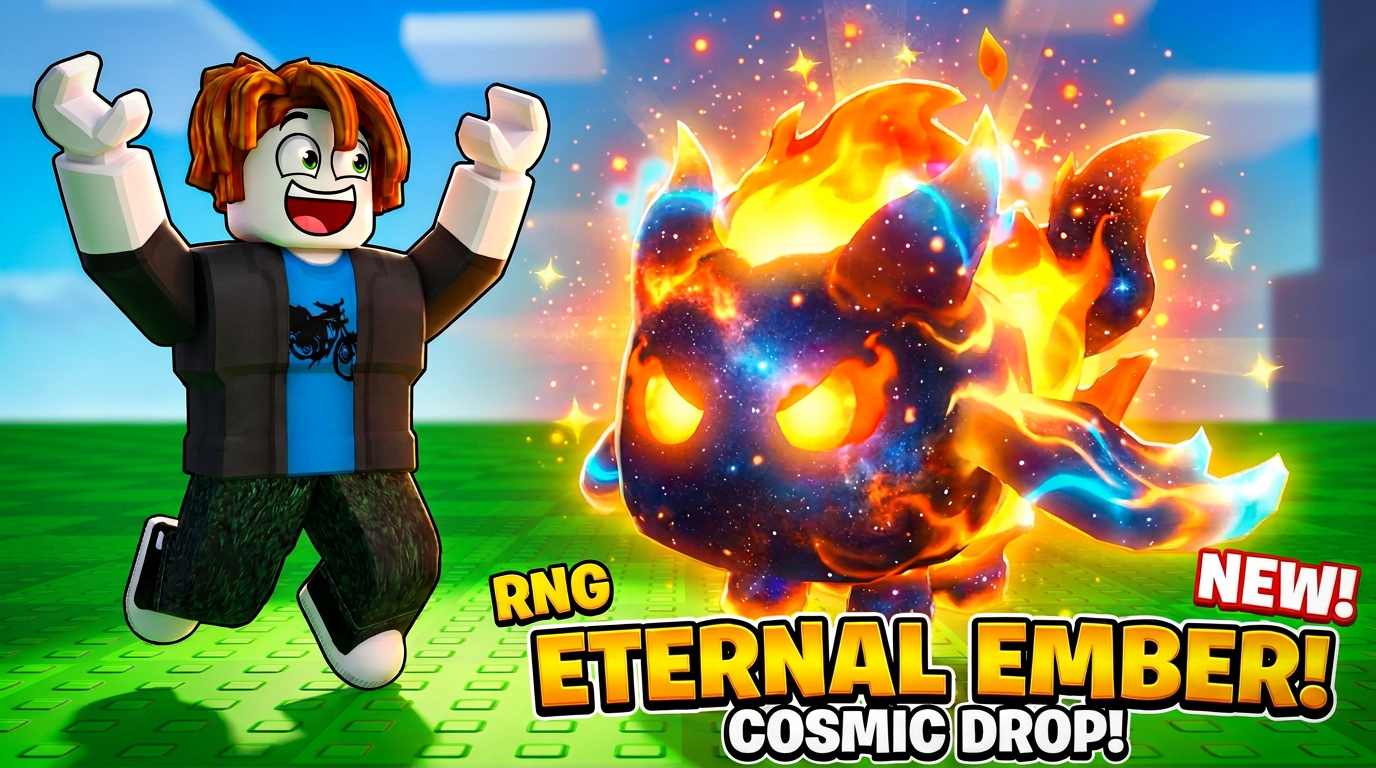
Reference artwork with suggested prompts. Results vary by model; these are not guaranteed reproductions.

Bank tycoon environment
Prison map concept
Cosmic fire pet thumbnail

Know your deliverable

What you get from ForgeGUI GUI Creator

Raster concepts for menus, HUDs, inventory panels and buttons. These are visual design references, not a working ScreenGui or a packaged Roblox plugin.

A brief to start with

A fantasy RPG inventory interface concept, dark navy panels with restrained gold borders, six item slots, one selected slot, large readable button areas, consistent spacing, front view, no decorative background.

Check before you ship

  1. 1Check text contrast and touch targets at the final screen size.
  2. 2Separate reusable panel and button artwork in your image editor.
  3. 3Rebuild interactive states and responsive layout in your game UI system.
Read the ForgeGUI prompt guide →

Does ForgeGUI generate functioning Roblox GUI code?

GUI Creator makes visual interface concepts. Forge Code can help draft Luau, but you still need to review and test the code and connect the UI in Roblox Studio. Image exports do not automatically contain editable interface elements.

Continue your game-asset workflow

Compare ForgeGUI plans and credits before paying. Generation quality varies by brief and model.