Back to Toolbox
ForgeGUI Studio

ForgeGUI AI Roblox clothing generator

Create Roblox shirt and pants concepts, coordinated outfits, patterns, and texture references. Choose your settings, review the credit cost, and create an export for your workflow.

Clear deliverables · Review before publishing

Create with Roblox Clothing

AI 모델

프롬프트

0/5000

화면비

해상도

출력 형식

공개 표시

현재 40 크레딧 · 멤버는 20 크레딧부터

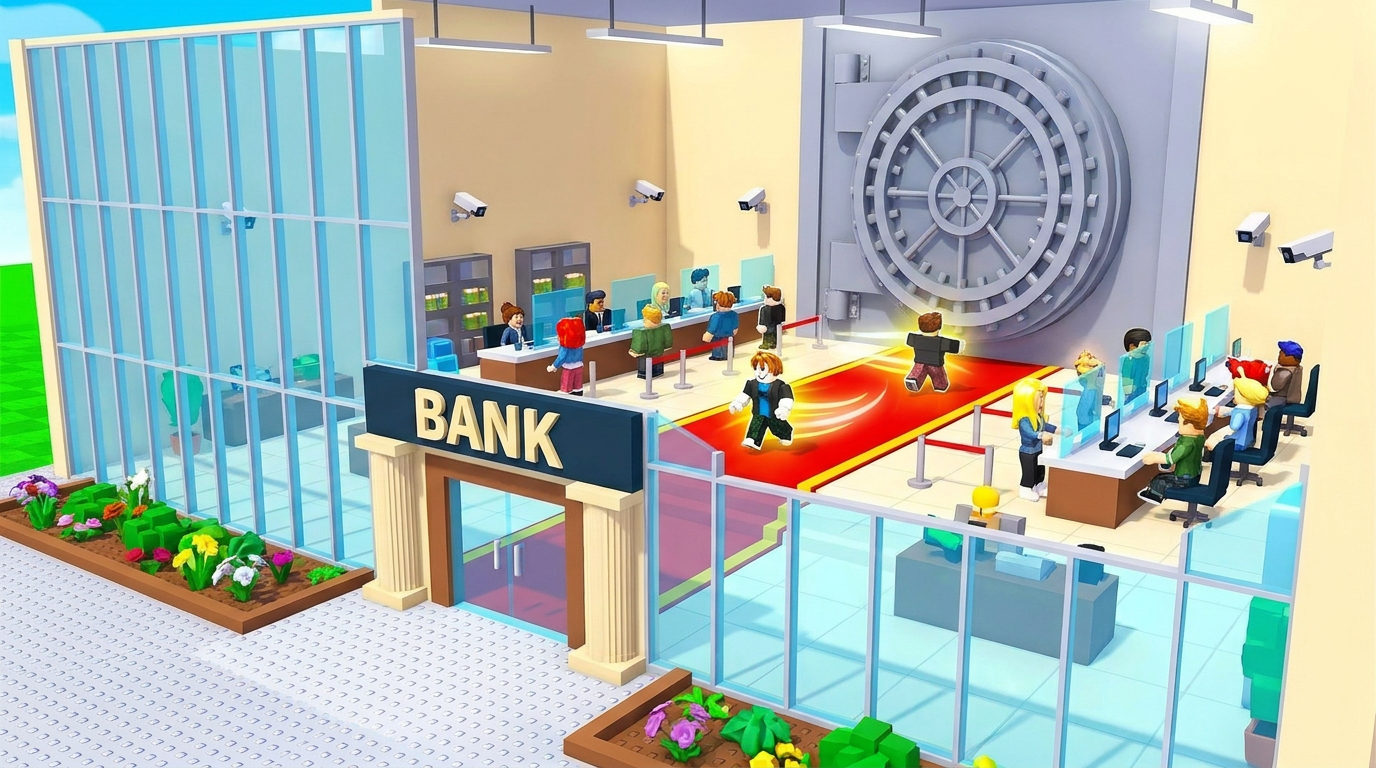
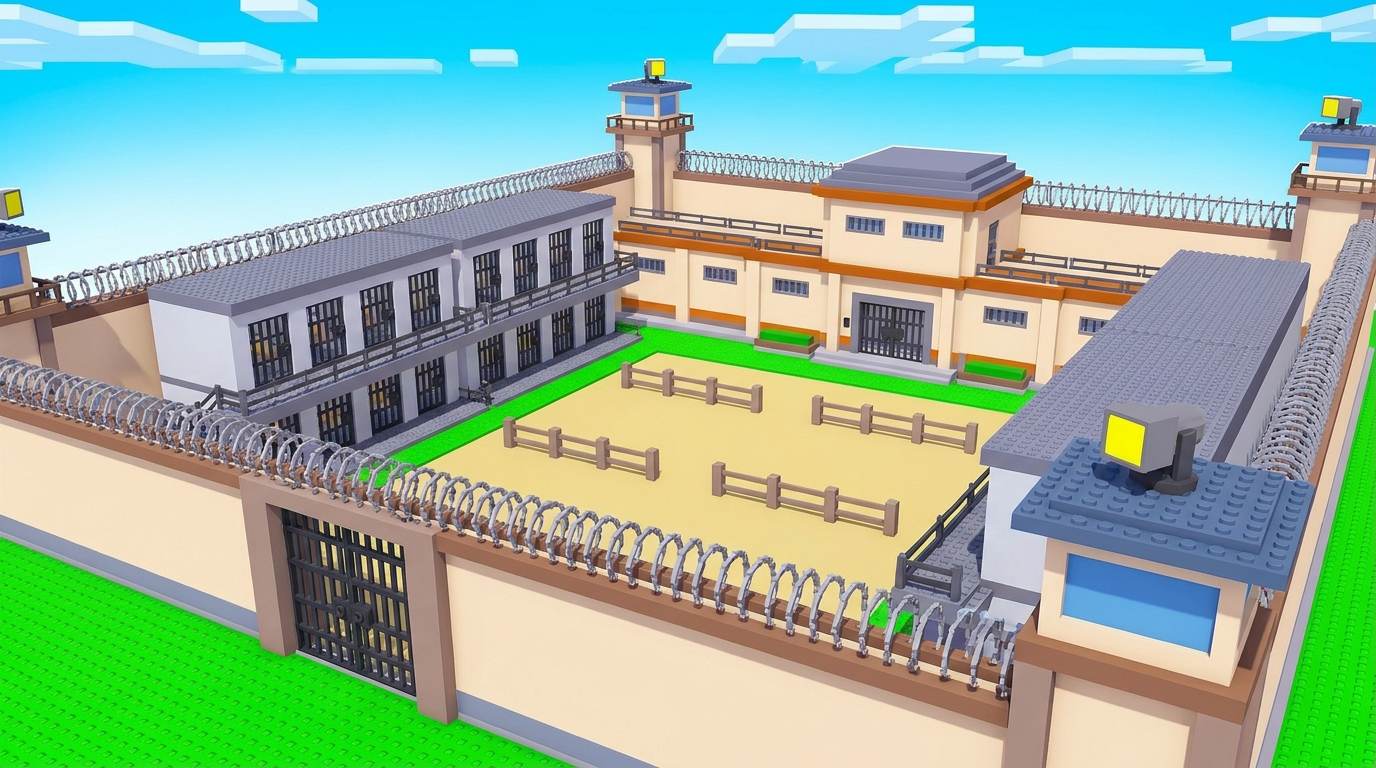
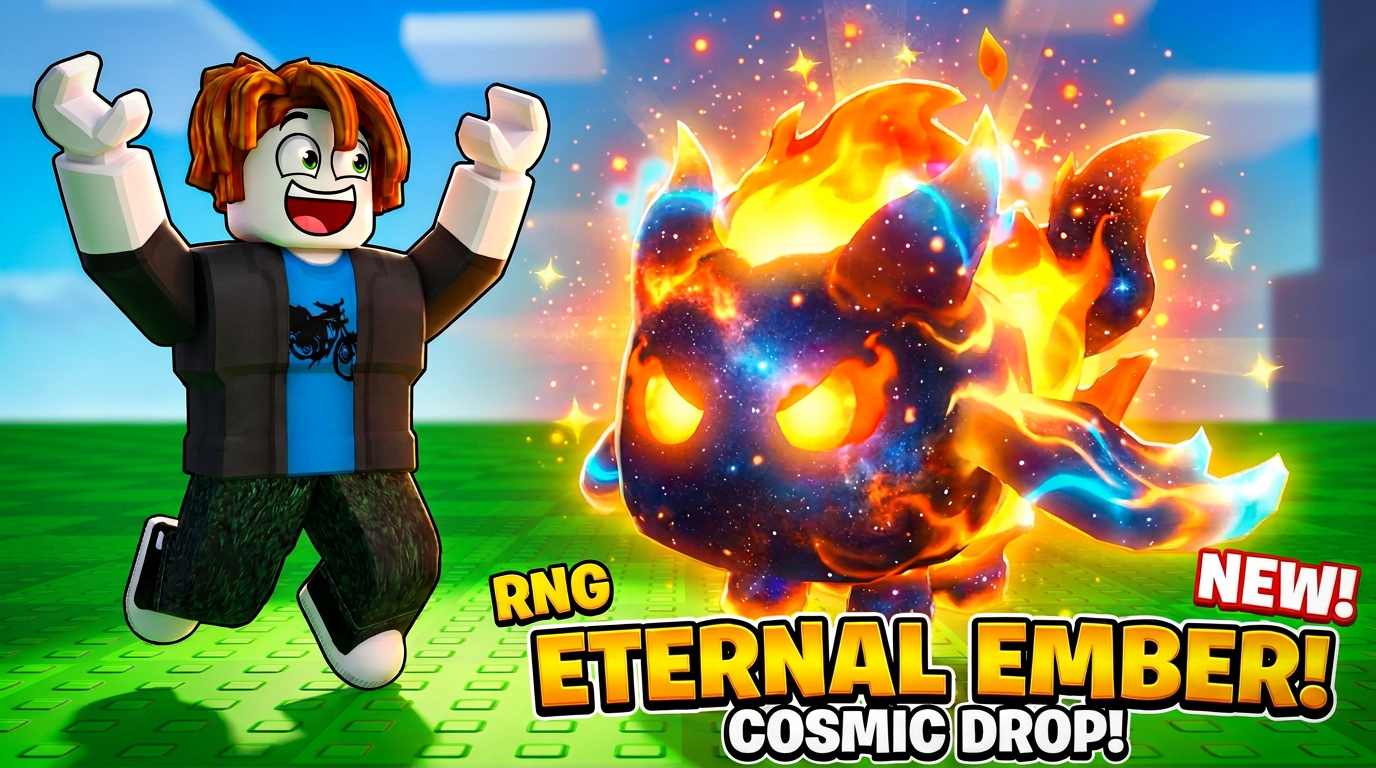
참고 이미지와 추천 프롬프트입니다. 결과는 모델에 따라 다르며 원본 재현을 보장하지 않습니다.

Bank tycoon environment
Prison map concept
Cosmic fire pet thumbnail

Know your deliverable

What you get from ForgeGUI Roblox Clothing

Roblox-inspired outfit concepts, pattern ideas and clothing artwork. These concepts are not automatically mapped to a classic shirt or pants upload template.

A brief to start with

Front-view concept of a futuristic varsity jacket, charcoal fabric, cyan piping, simple shoulder panels, no logos or text, clear seam placement, coordinated sleeves, flat presentation.

Check before you ship

  1. 1Adapt the artwork to the correct clothing template.
  2. 2Inspect seams, sleeves and orientation on an avatar.
  3. 3Check Roblox upload rules and any marketplace requirements before publishing.
Read the ForgeGUI prompt guide →

Can I upload a ForgeGUI clothing image directly to Roblox?

Only after it matches the required clothing layout and dimensions. Use the concept as artwork, place it on the correct template and test it in Studio. Layered clothing also needs a separate 3D modeling and fitting workflow.

Continue your game-asset workflow

Compare ForgeGUI plans and credits before paying. Generation quality varies by brief and model.