Back to Toolbox
ForgeGUI Studio

ForgeGUI AI game icon generator

Build crisp, consistent ability, inventory, badge, and store icon sets. Choose your settings, review the credit cost, and create an export for your workflow.

Clear deliverables · Review before publishing

Create with Icon Studio

AI 모델

프롬프트

0/5000

화면비

해상도

출력 형식

공개 표시

현재 40 크레딧 · 멤버는 20 크레딧부터

참고 이미지와 추천 프롬프트입니다. 결과는 모델에 따라 다르며 원본 재현을 보장하지 않습니다.

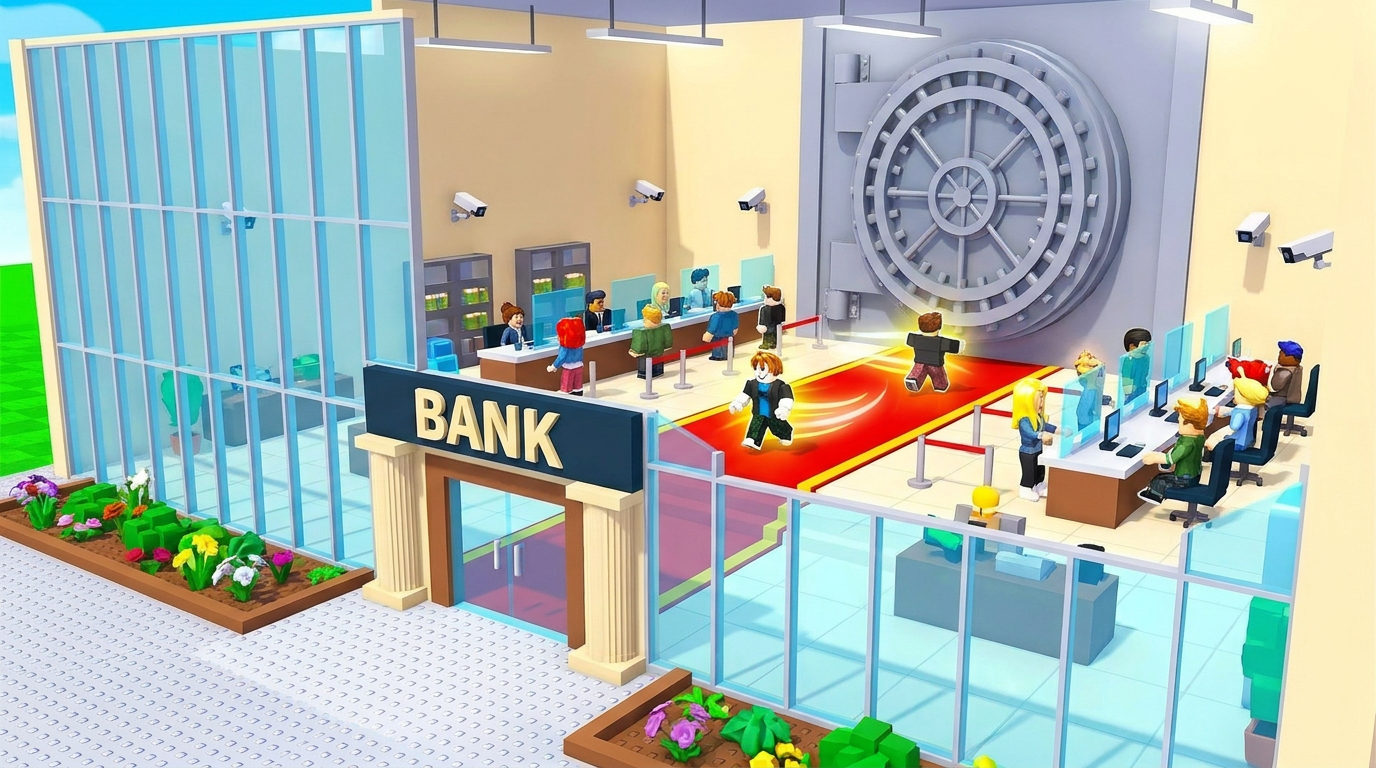
Bank tycoon environment
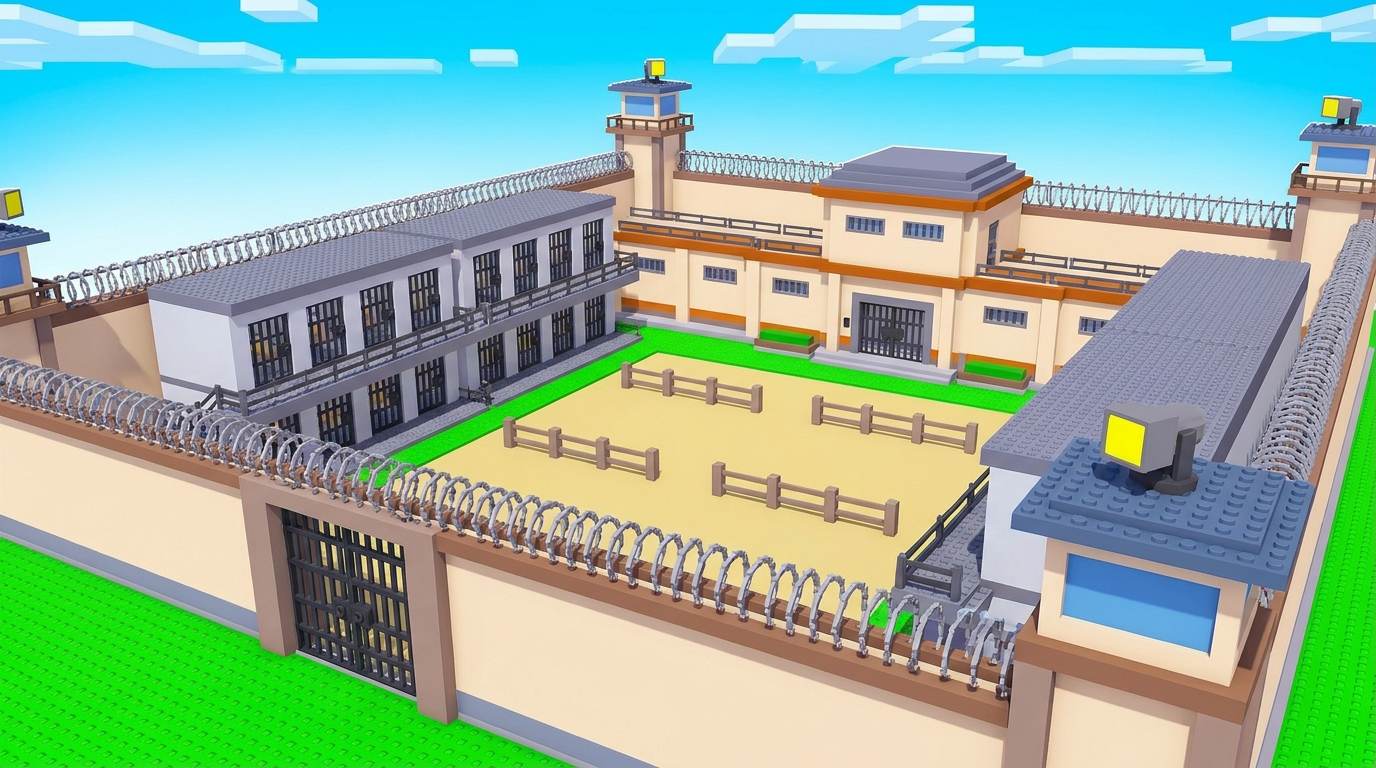
Prison map concept
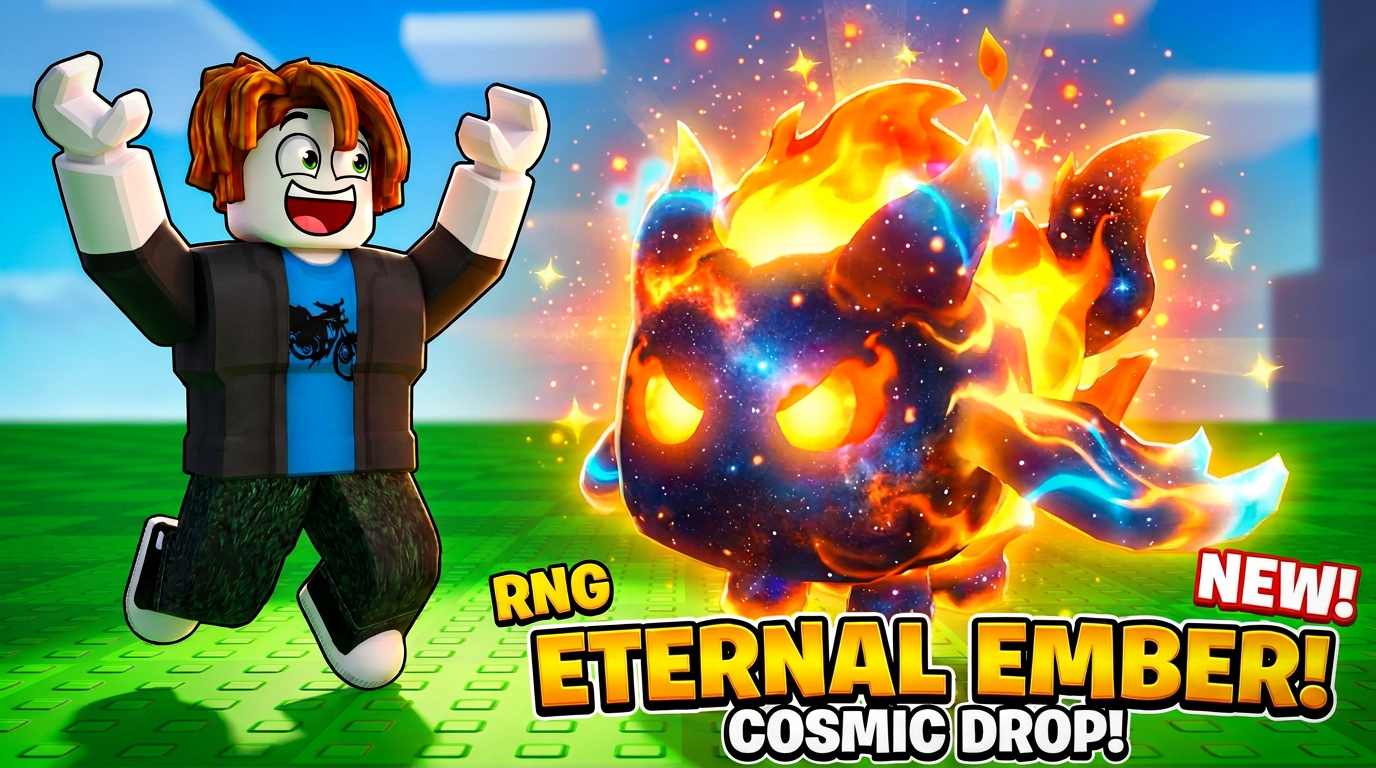
Cosmic fire pet thumbnail

Know your deliverable

What you get from ForgeGUI Icon Studio

Ability, inventory, badge and store icon artwork. Specify one icon at a time for simpler cropping and consistent framing.

A brief to start with

One ice-shield ability icon, centered blue crystal shield, bold silhouette, thick clean edges, subtle frost, square composition, flat dark background, no letters, same visual weight as a mobile RPG inventory icon.

Check before you ship

  1. 1Inspect at 32 and 64 pixels for silhouette readability.
  2. 2Keep palette, camera angle and padding consistent across the set.
  3. 3Verify the actual alpha channel; a prompted transparent background is not a guarantee.
Read the ForgeGUI prompt guide →

How can I keep a ForgeGUI icon set consistent?

Reuse the same framing, palette and art-direction sentence while changing only the item. For closer visual matching, refine results in the image editor using a reference. Check exported backgrounds and remove them when needed.

Continue your game-asset workflow

Compare ForgeGUI plans and credits before paying. Generation quality varies by brief and model.