
Back to Toolbox
ForgeGUI Studio

ForgeGUI AI game texture generator

Edit material references into stylized surface images, decals and texture variations for your game-art workflow. Choose your settings, review the credit cost, and create an export for your workflow.

Clear deliverables · Review before publishing

Create with Texture Studio

AIモデル

画像をアップロード(0/14)

プロンプト

0/5000

画面比率

解像度

出力形式

公開表示

現在 40 クレジット · メンバーは 20 クレジットから

参考画像と推奨プロンプトです。結果はモデルによって異なり、元画像の再現を保証するものではありません。

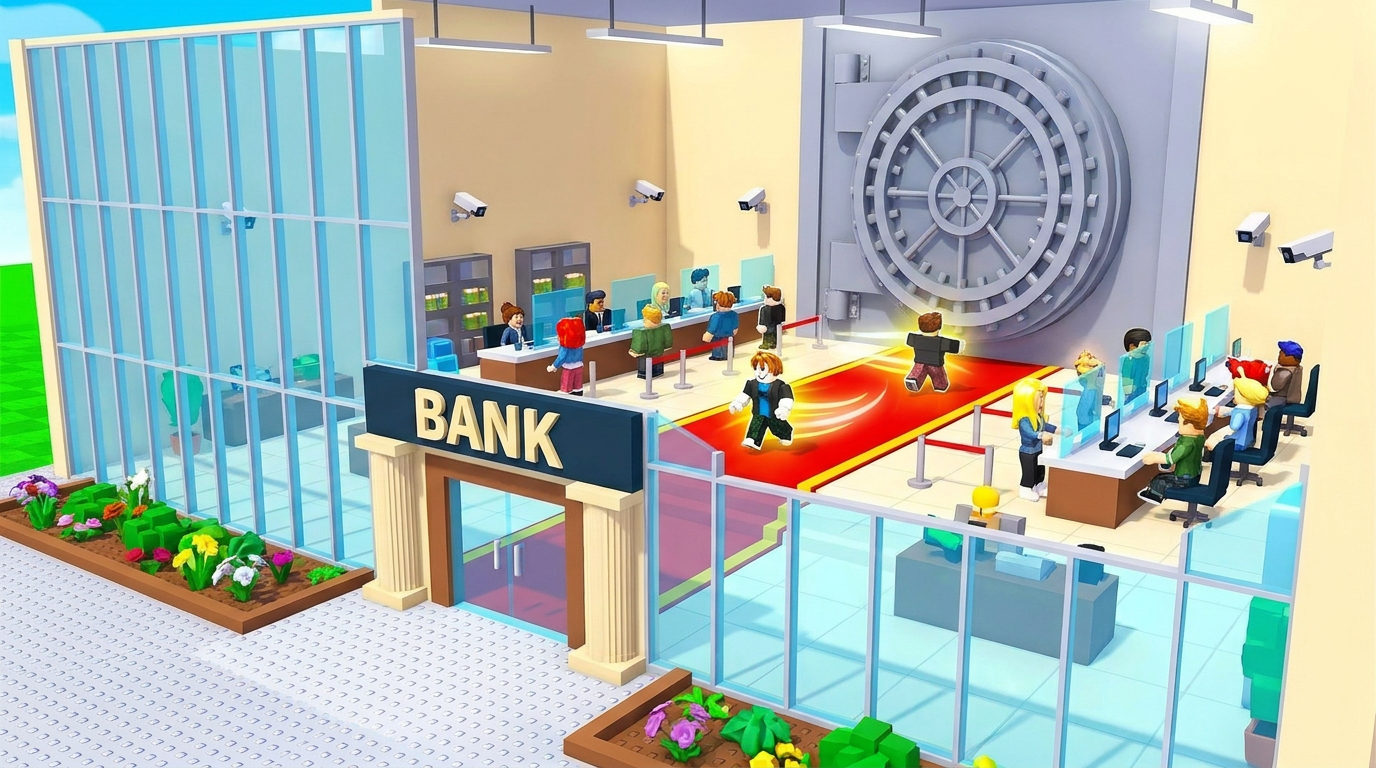
Bank tycoon environment
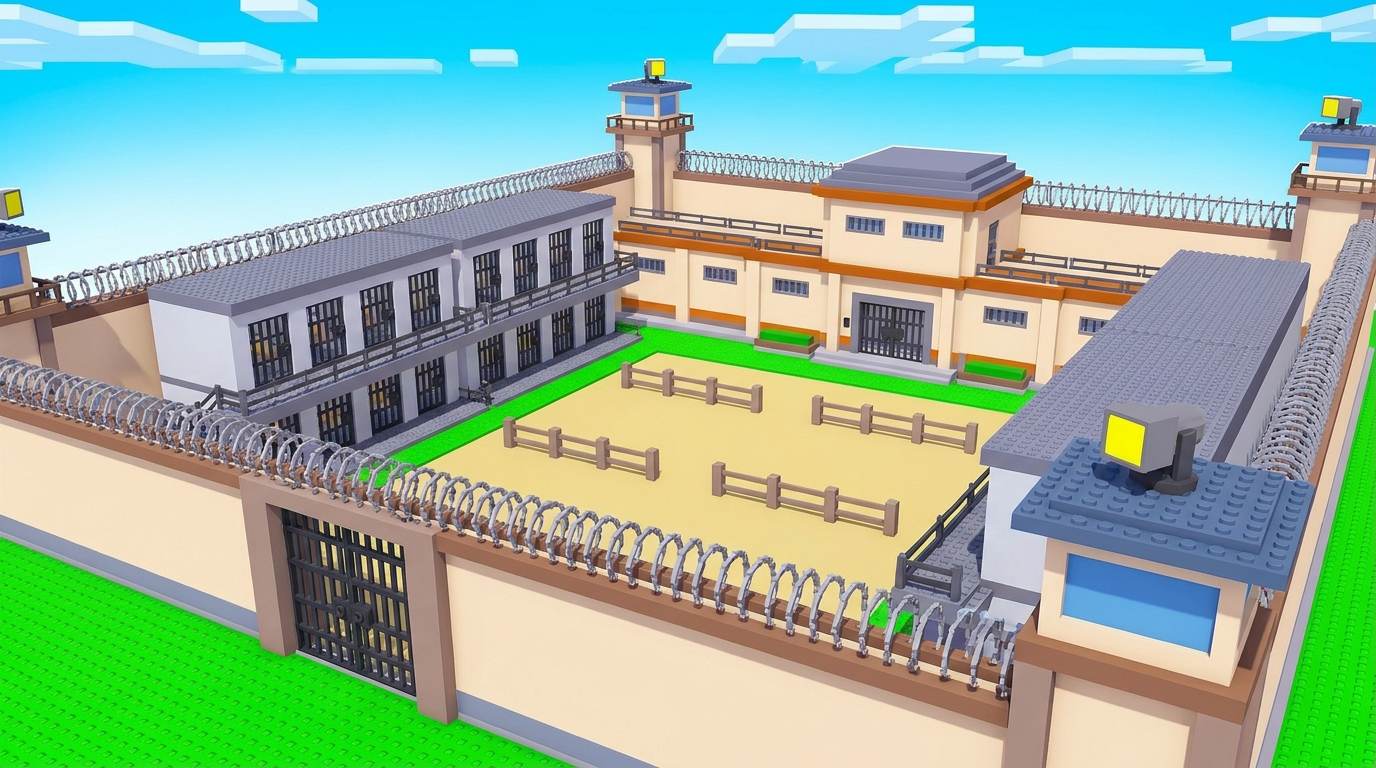
Prison map concept
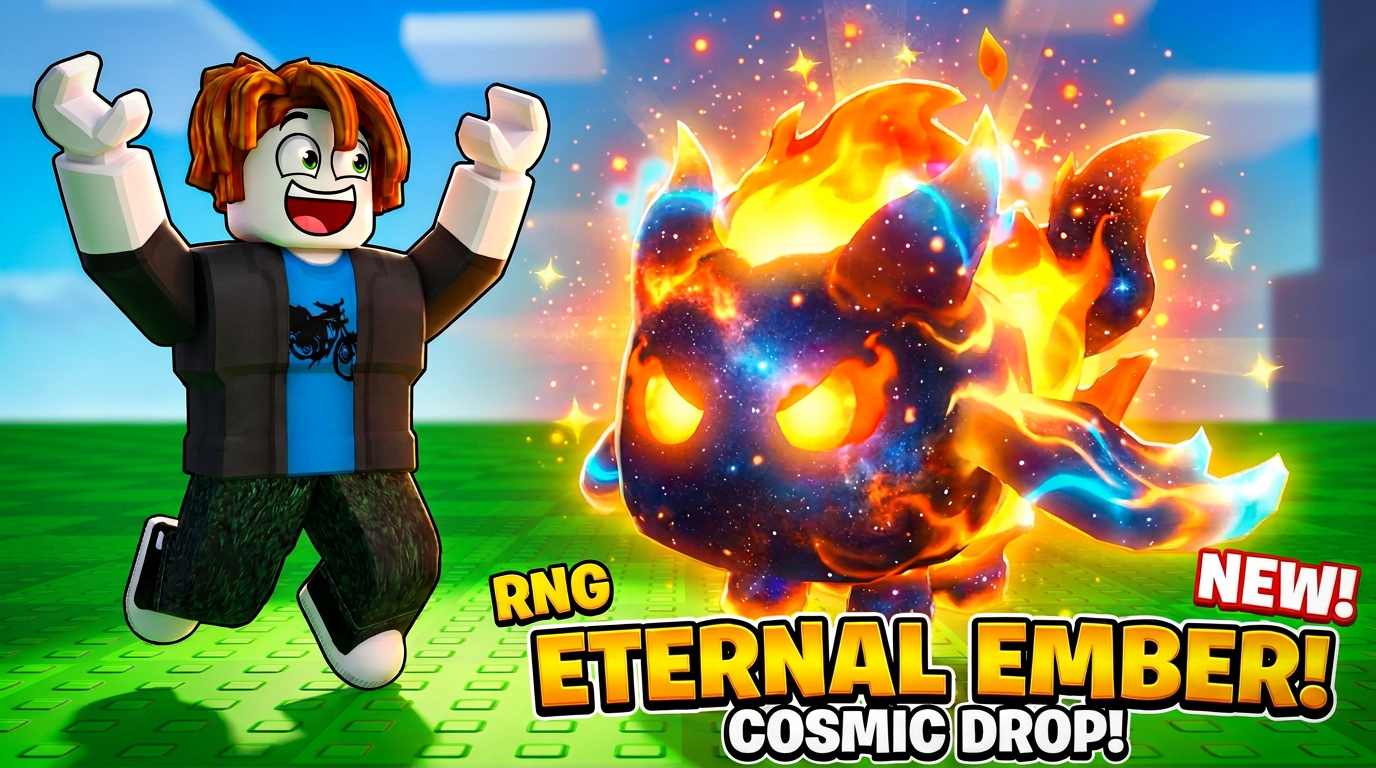
Cosmic fire pet thumbnail

Know your deliverable

What you get from ForgeGUI Texture Studio

Edited material images, surface variations and decal concepts based on an uploaded reference. A generated image is not automatically a complete PBR map set.

A brief to start with

Preserve the reference’s hand-painted style. Replace the clean stone with mossy sandstone, even lighting, straight-on surface view, consistent scale, no objects, minimize visible edge seams.

Check before you ship

  1. 1Tile the image in a 3×3 grid to reveal edge seams.
  2. 2Check texture density against neighboring materials.
  3. 3Create and inspect normal, roughness or metalness maps separately when required.
Read the ForgeGUI prompt guide →

Are ForgeGUI textures automatically seamless and PBR-ready?

You can request a tileable surface, but check the result with a repeat test and fix seams in an editor. Texture Studio produces images; it does not guarantee calibrated normal, roughness and metalness maps.

Continue your game-asset workflow

Compare ForgeGUI plans and credits before paying. Generation quality varies by brief and model.